
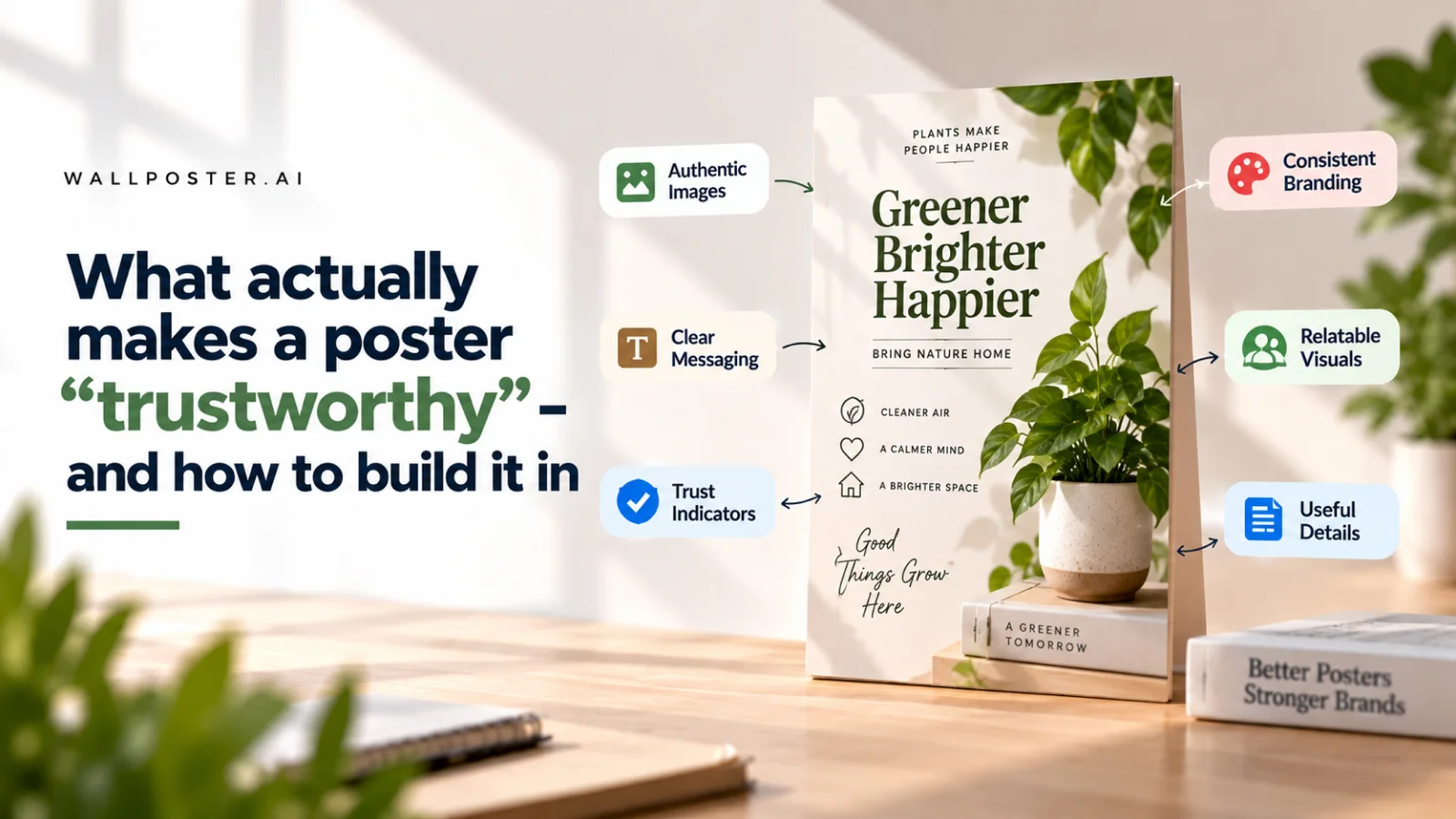
What actually makes a poster "trustworthy" — and how to build it in

Trust is a strange thing to design for, but customers make snap judgments about it constantly, usually based on cues they'd struggle to name. A poster that looks trustworthy tends to share a few quiet traits — and a poster that doesn't tends to be missing exactly these.
Clean typography
Multiple clashing fonts on one poster reads as chaotic, not creative. Stick to one or two fonts, used consistently.
Consistent branding
A logo that appears in the same place, in the same size, across every post signals an established business rather than a one-off effort.
No visual clutter
A poster crammed with every possible detail — extra badges, competing colors, unnecessary borders — reads as amateur, regardless of how good the underlying offer is.
Correct, current information
Outdated dates, old phone numbers, or last season's offer accidentally left in the corner erode trust instantly, even if unintentional.
None of these require design talent to fix — they require a foundation that enforces them by default. This is exactly what a consistent template and theme setup inside Poster Maker does: it removes the chance of clutter or mismatch before it happens, so every poster you publish carries the same quiet, professional confidence — the kind customers trust without consciously noticing why.
Common questions
What makes a poster look trustworthy?
Trustworthy posters share a few quiet traits: clean typography, consistent branding, no visual clutter, and correct, current information. Customers make snap judgments about trust from these cues even when they would struggle to name them, and posters that feel untrustworthy tend to be missing exactly these.
How many fonts should a poster use?
Stick to one or two fonts and use them consistently. Several clashing fonts on one poster read as chaotic rather than creative. Together with a logo that appears in the same place and size on every post, clean typography signals an established business rather than a one-off effort.
What mistakes make customers distrust a poster?
Visual clutter, such as extra badges, competing colors and unnecessary borders, reads as amateur however good the offer is. Outdated details erode trust instantly too: old dates, old phone numbers or last season's offer accidentally left in a corner, even when the mistake was unintentional.
Poster templates for this
Ready to make one yourself?
Turn any idea into a finished poster with Poster Maker.